
Restore Old Photos — Free AI Photo Restoration Tool
Fix faded, torn, and blurry old photos in seconds with AI. Try your first restore free — no account needed.
Drop an old photo here
JPG, PNG, WebP up to 50MB





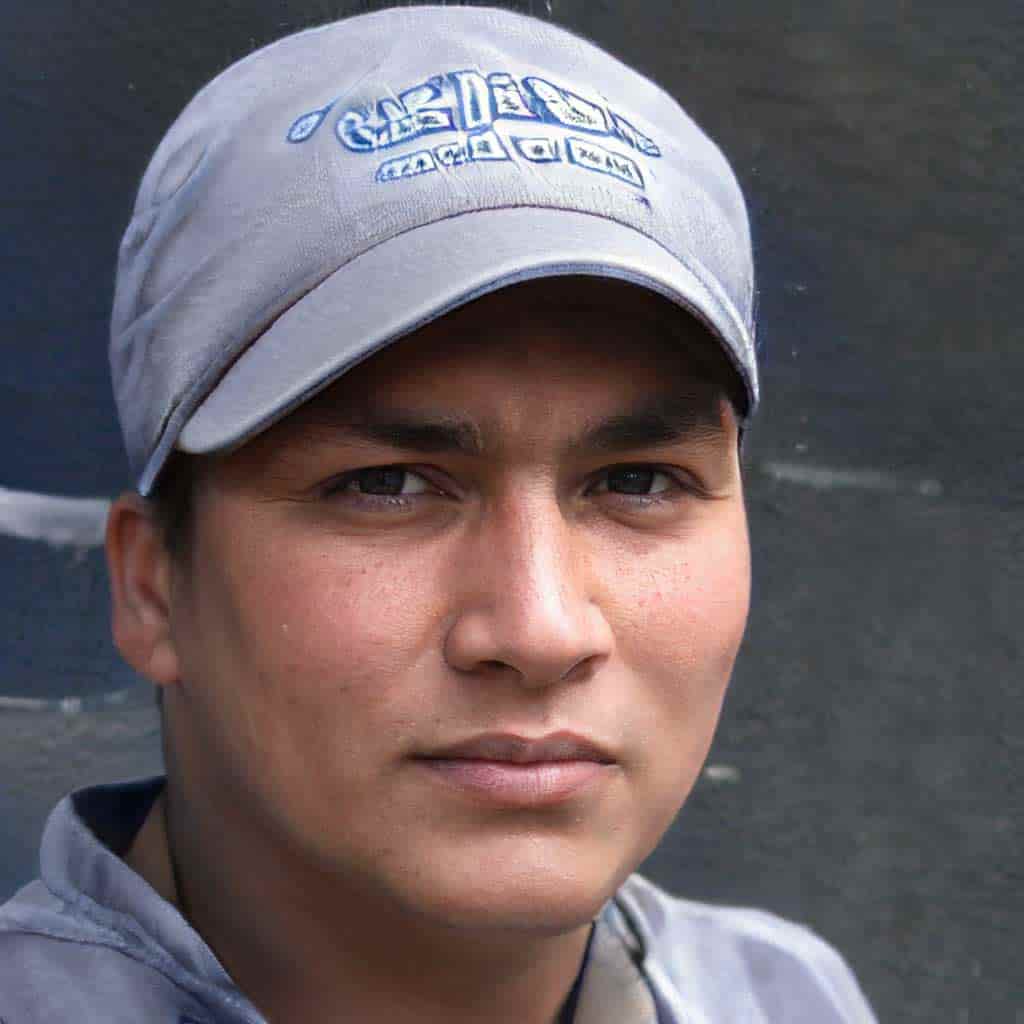
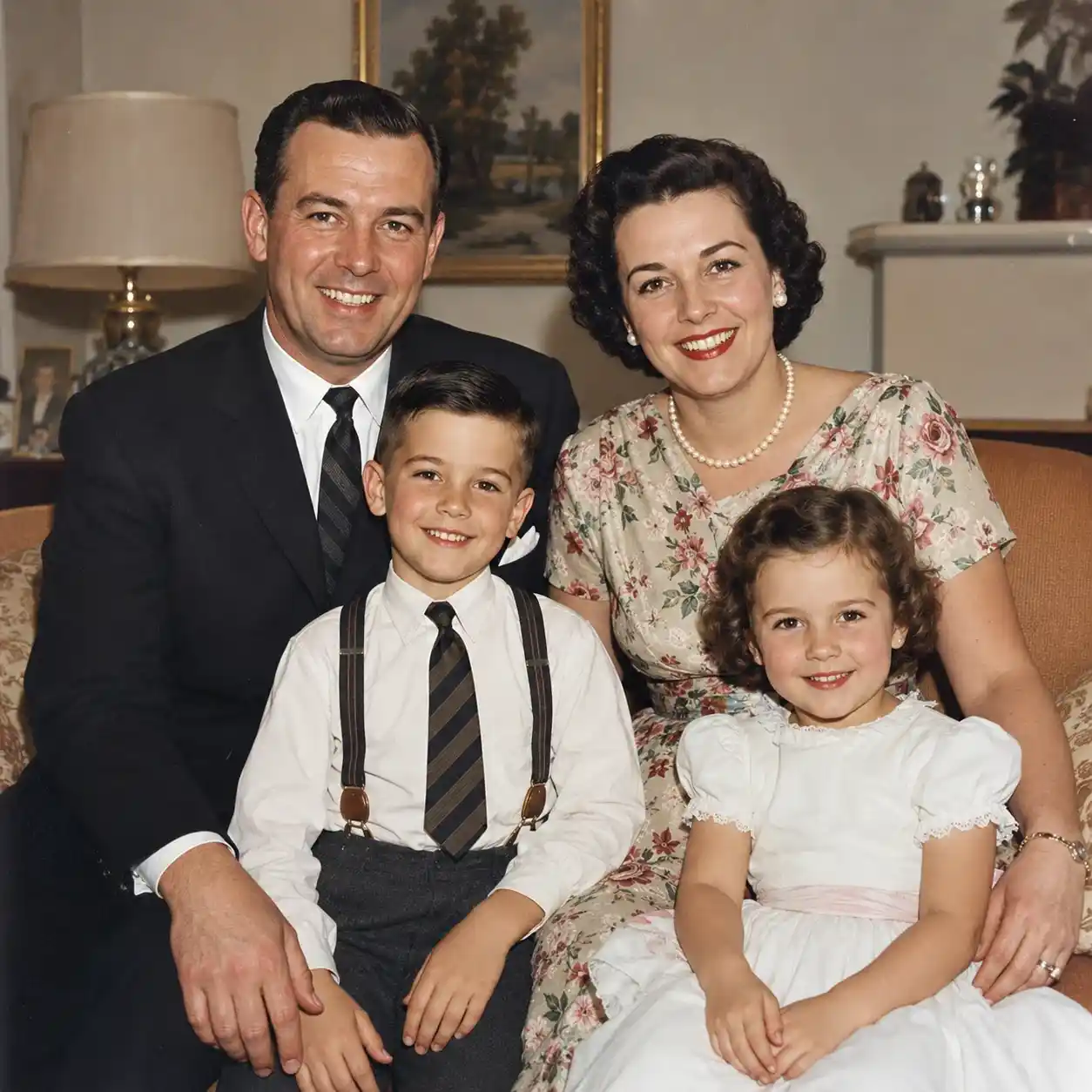
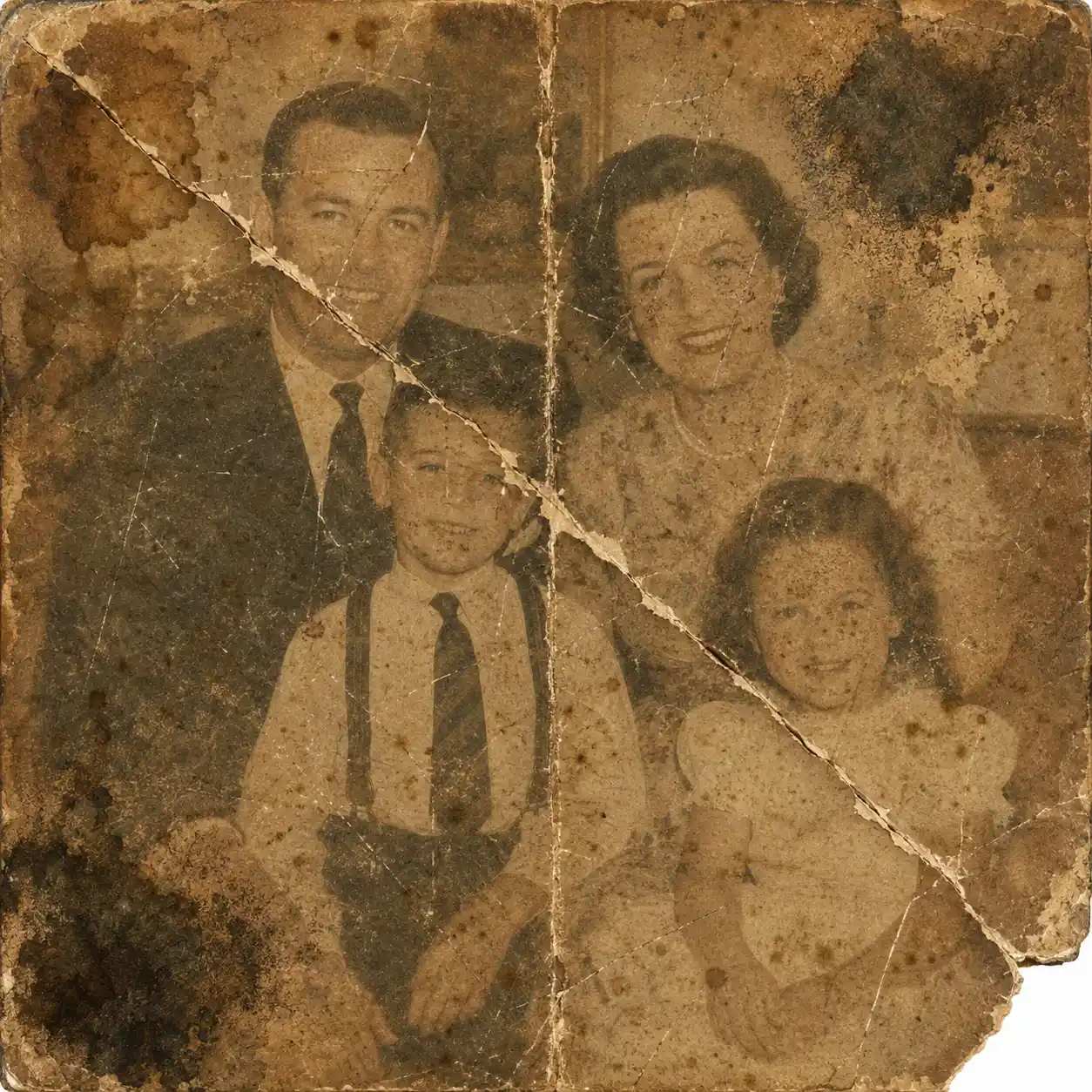
See What AI Photo Restoration Can Do
Compare before and after examples across different restoration scenarios — from faded vintage photos to blurry snapshots.
Restore Damaged Family Photos
Restore faded, damaged, or aged family photos to their former glory. Our AI repairs scratches, tears, and color loss automatically.
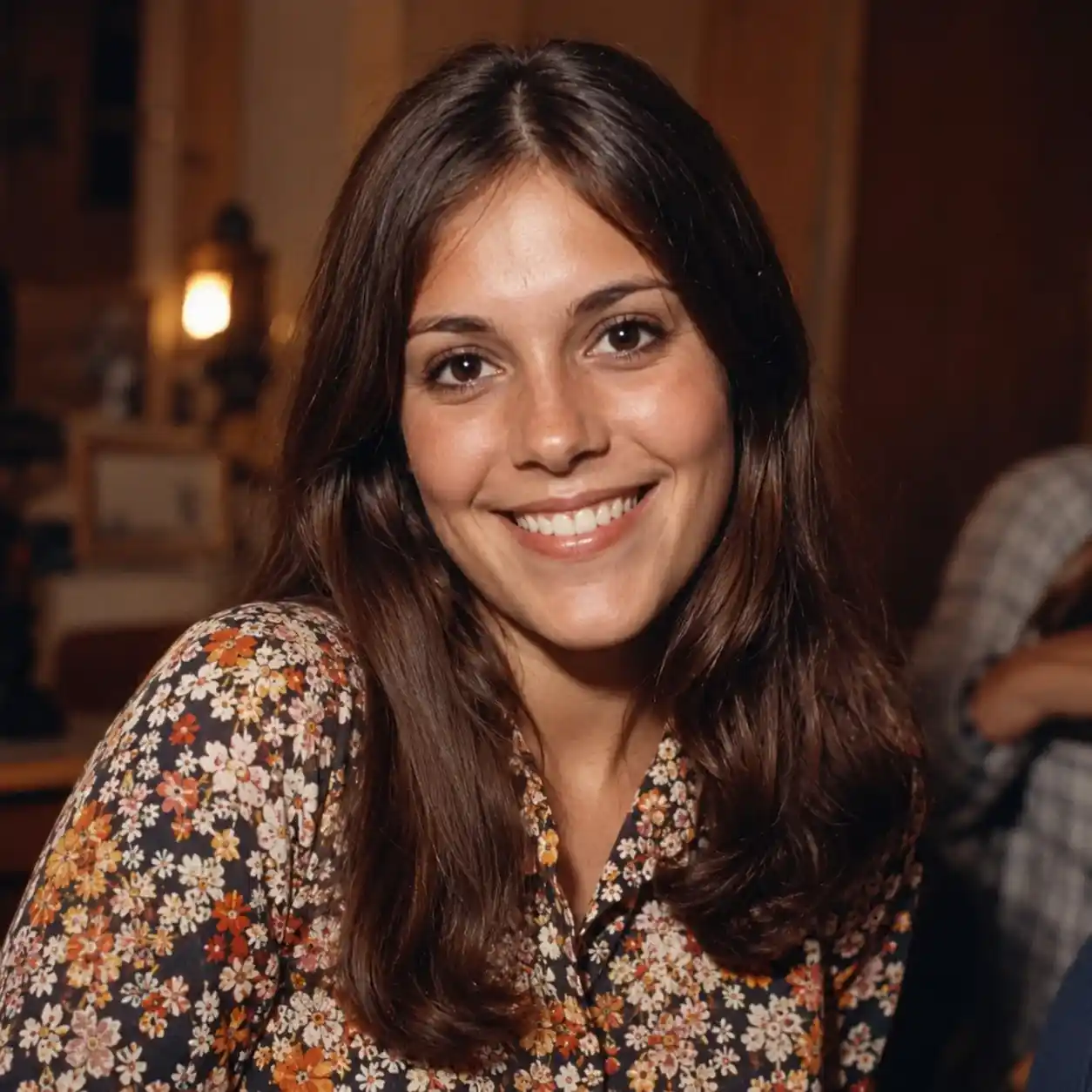
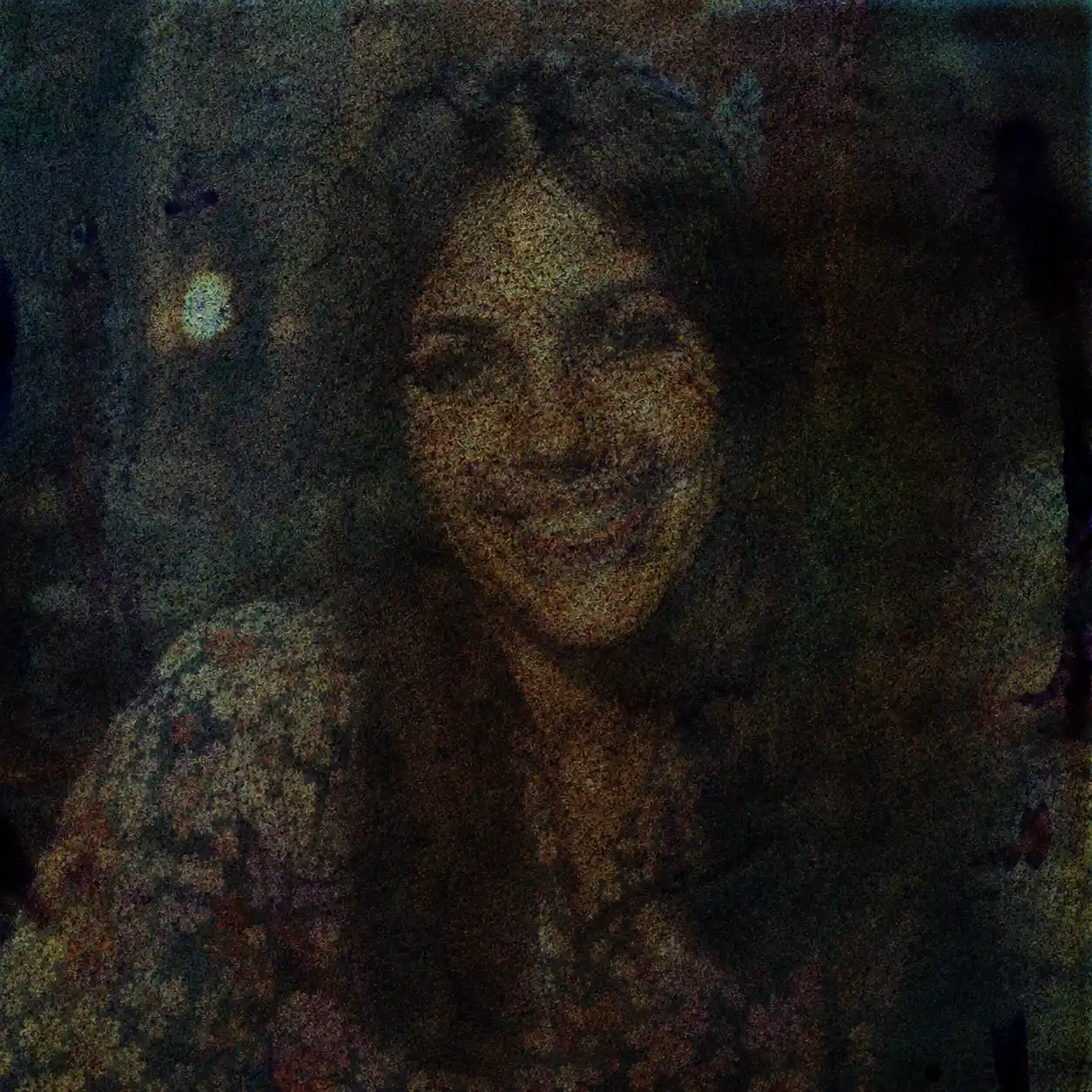
Remove Noise and Grain
Clean up grainy and noisy photos taken in low light or with older cameras. Get crisp, clear results without the digital noise.
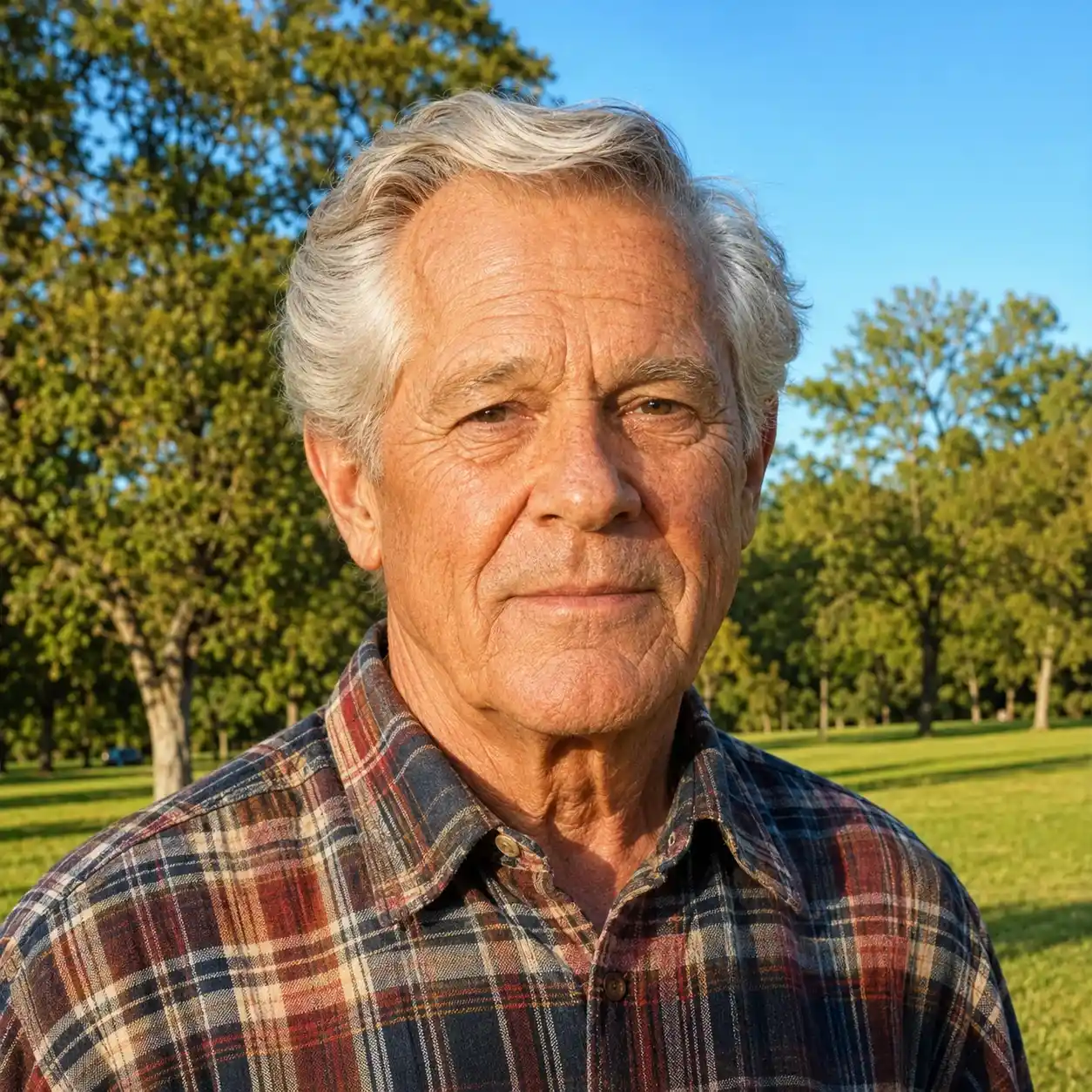
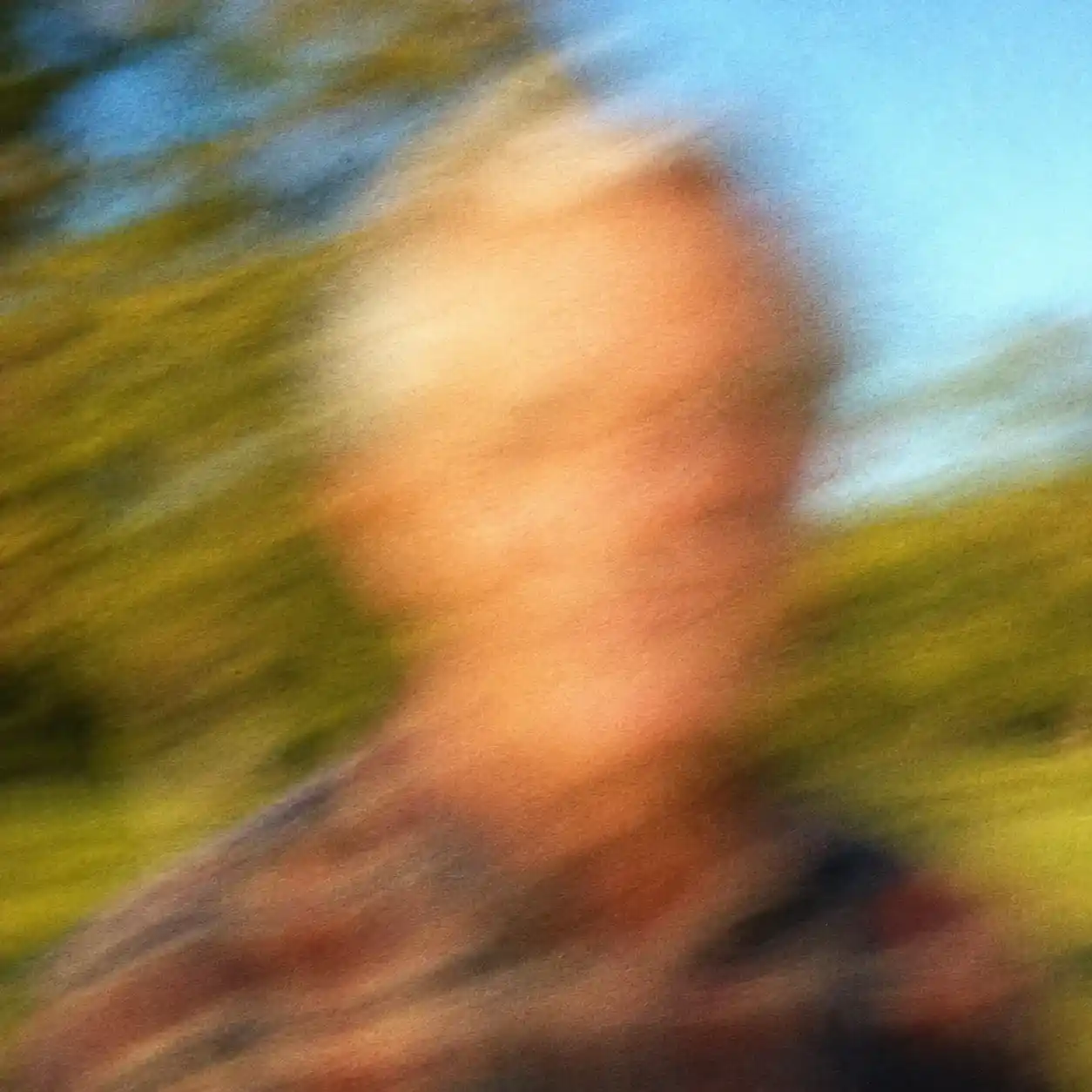
Fix Blurry and Soft Photos
Erase scratches, creases, stains, and tears from scanned photos automatically. The AI fills in missing areas by analyzing surrounding textures for seamless repair.
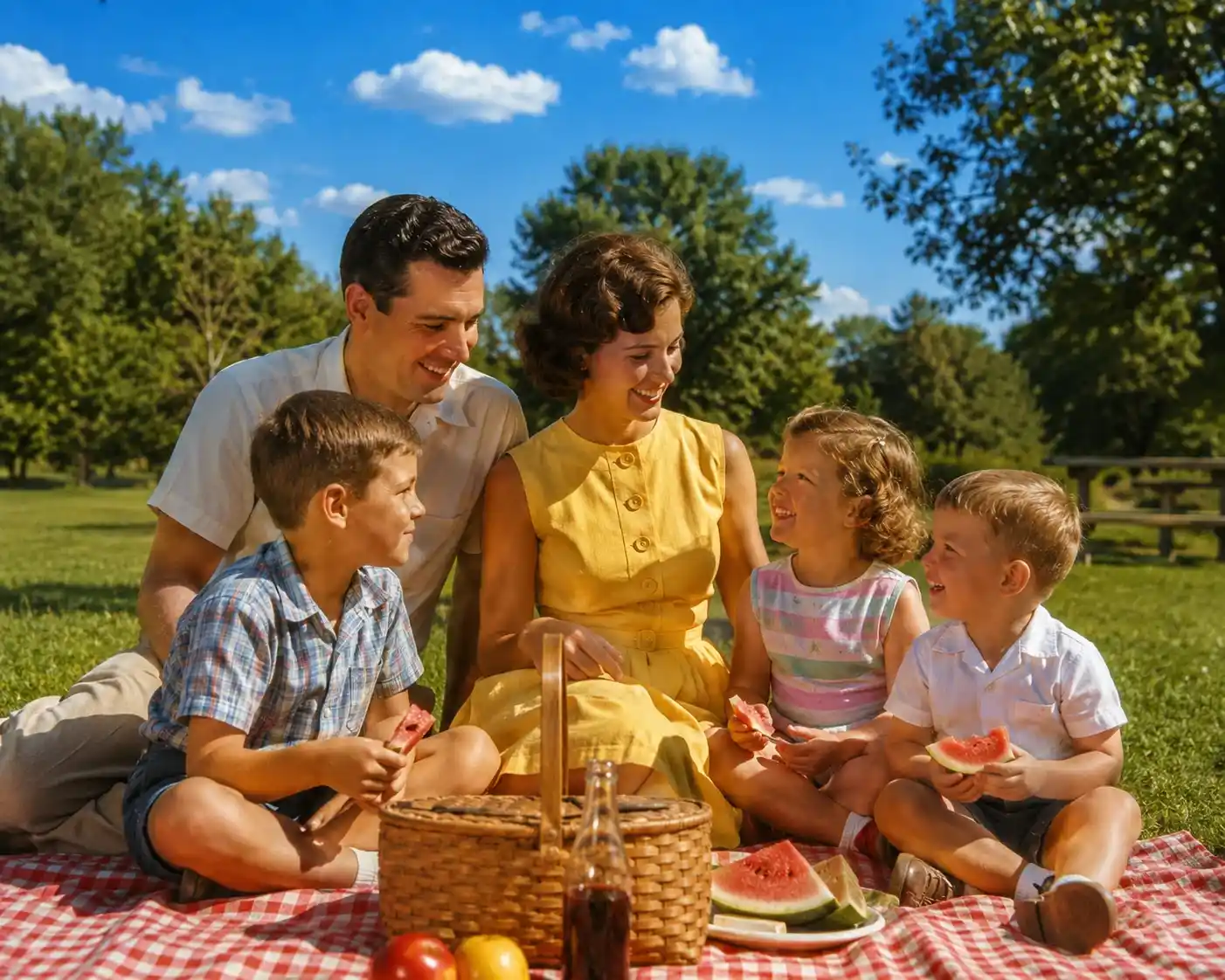
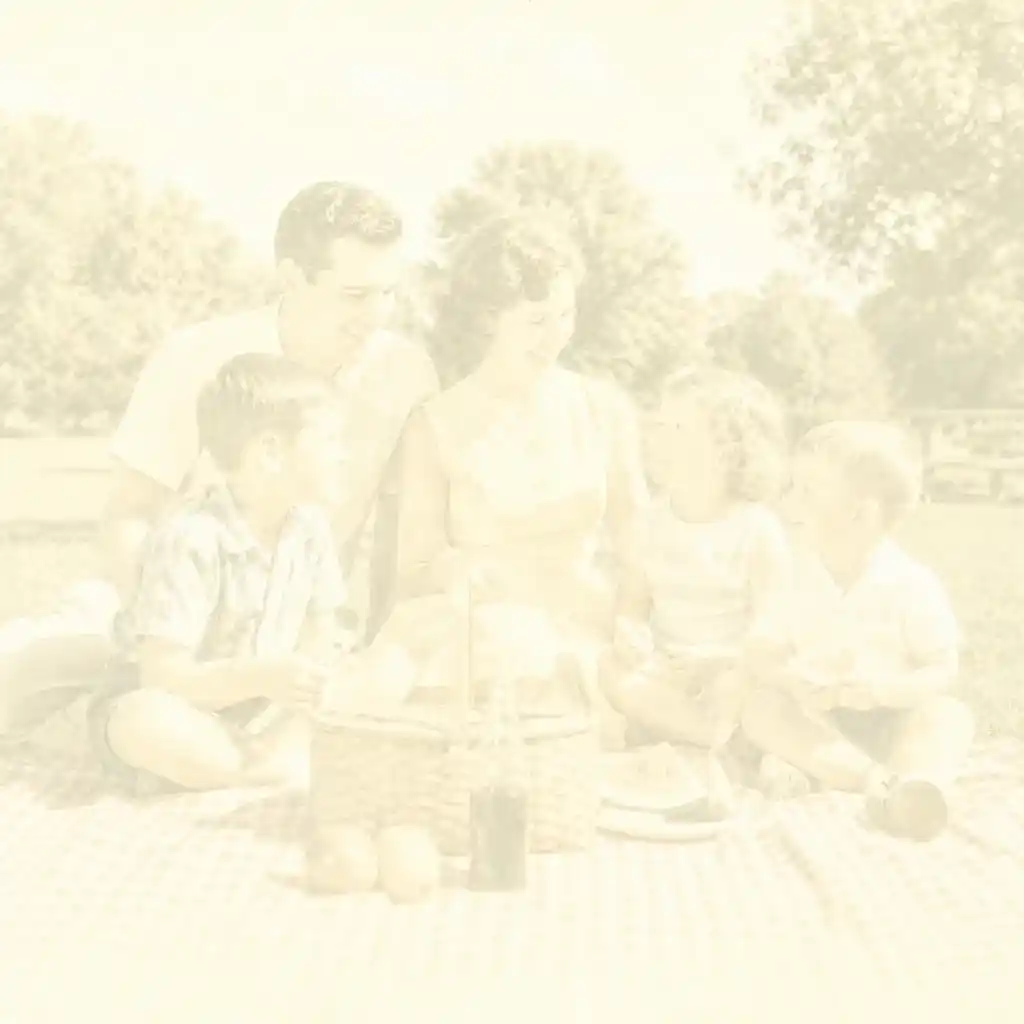
Enhance Colors and Contrast
Revive washed-out or poorly-exposed photos with intelligent color enhancement. Balance tones, boost vibrancy, and recover lost detail.
What Damage Can Our AI Restore in Old Photos?
Our AI is built to restore old photos with a wide range of damage types — from fading and tears to blur and discoloration.
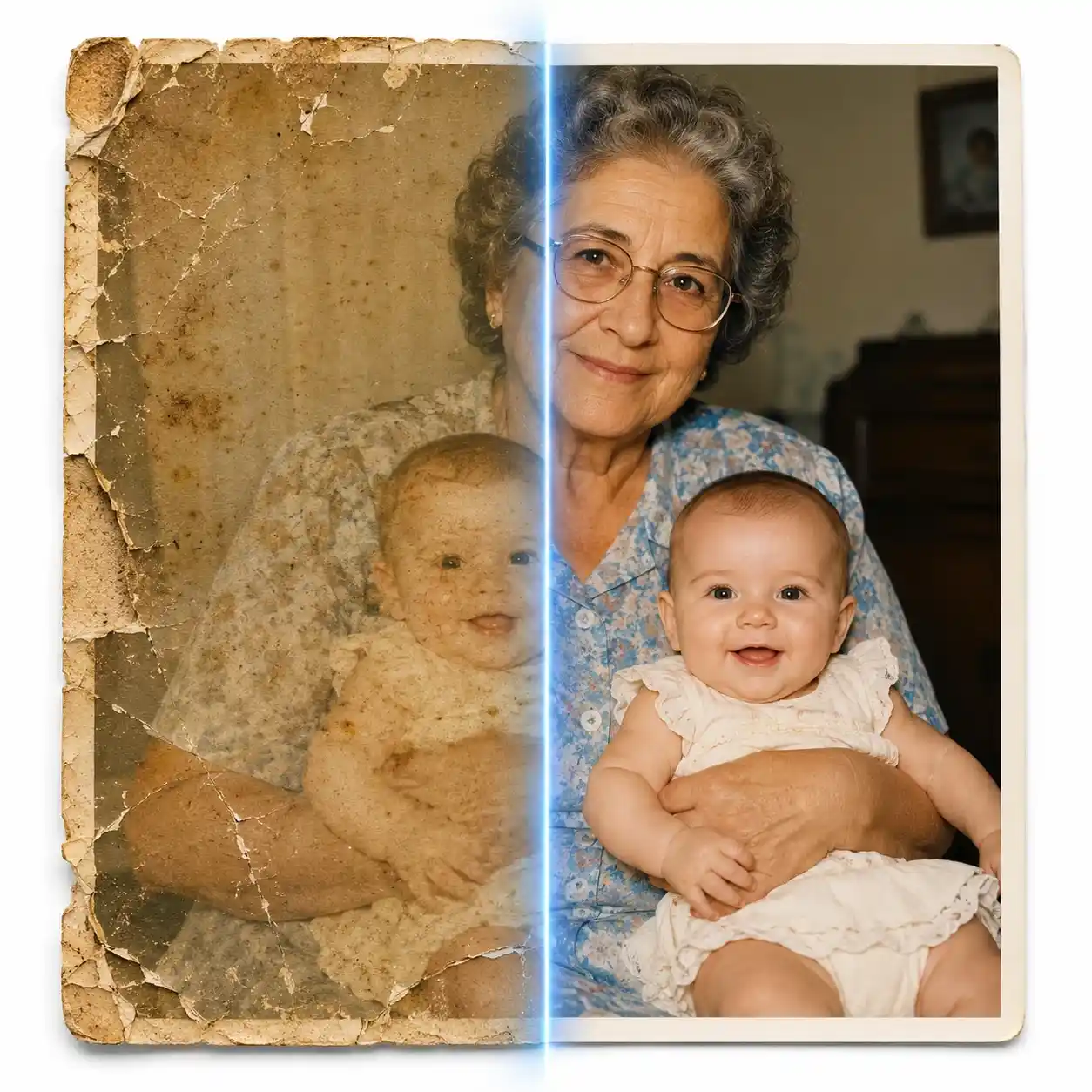
Faded & Discolored Photos
Restore old photos that have yellowed, lost contrast, or faded over decades. AI recovers original colors and tones with remarkable accuracy.
Scratched, Torn & Water-Damaged Photos
Repair cracks, tears, and creases on scanned photos. Our AI fills in missing details to restore old photos as close to their original condition as possible.
Blurry & Low-Resolution Photos
Restore old photos that are out of focus or degraded from poor scanning. AI sharpens fine facial features and background details for a crisp, vivid result.
Black & White Photo Colorization
Go beyond restoring old photos — add realistic, natural-looking color to black-and-white photos automatically. Bring history to life in full color.
Why Use AI to Restore Old Photos?
Manually restoring old photos in Photoshop takes hours and requires expert retouching skills. With our AI, you can restore old photos in under 15 seconds.

How to Restore Old Photos in 4 Simple Steps
Restore old photos in just a few clicks — no design skills or software required.
Upload Your Old Photo
Select and upload the old photo you want to fix. Supports JPG, PNG, TIFF, and HEIC formats up to 10 MB.
AI Restores Your Photo Automatically
Our AI engine instantly analyzes and restores old photos — repairing faded colors, filling in tears, removing scratches, and sharpening blurry detail in one click.
Preview & Compare Before/After
Review your restored photo side by side with the original. Zoom in to inspect every detail and confirm you're happy with the result.
Download in High Resolution
Download your fully restored photo with no watermarks required. Print it, frame it, or share it with family — your first restore is on us.
Everything You Need to Restore Old Photos
Powerful AI photo restoration tools — try free, all online, no software to install.
AI Photo Restoration
Restore old photos with AI in seconds. Repairs fading, discoloration, and physical damage automatically.
Scratch & Tear Repair
Remove scratches, cracks, and tears from scanned old photos. AI fills in missing areas seamlessly.
Photo Colorization
Convert black-and-white old photos to full color. AI adds realistic, natural-looking tones automatically.
Blur & Sharpness Fix
Sharpen blurry old photos and recover fine detail. AI upscales and enhances low-resolution images.
Free to Try & No Signup
Try restoring old photos online free — no account or credit card required to get started.
Works on Any Device
Restore old photos from your phone, tablet, or desktop browser. No app download needed.
Trusted by Families Worldwide
to restore old photos and preserve their most precious memories.
387,690+ Old Photos Restored
Old Photos Restored
100% Free to Try
Free to Try
4.9 / 5 User Satisfaction
User Satisfaction
What People Say After They Restore Old Photos
Real feedback from users who used our AI to restore old photos and bring back their memories.
I found a box of my grandmother's photos — all faded and torn. I used this tool to restore old photos and the results made me cry. They look like they were taken yesterday.
Margaret L.
Retired Teacher, Ohio
I've tried several tools to restore old photos but this one is by far the best. The AI fixed scratches and color fading on a 70-year-old wedding photo. Absolutely amazing.
Daniel R.
Family Historian
Was skeptical at first but this AI can really restore old photos. Uploaded a blurry photo of my parents from the 1980s — it came out sharp and beautiful. 100% free too!
Priya S.
Blogger & Photographer
I regularly help clients restore old photos for family archives. This AI tool saves hours of manual work in Photoshop — and the output quality is consistently impressive.
Tom W.
Digital Archivist
My kids gave me this tool for Mother's Day to restore old photos from the 1990s. The colorization feature turned our black-and-white family portraits into stunning color images.
Clara B.
Mom of Three, Texas
Found old photos from the Civil War era in my family archives. I couldn't believe how well the AI could restore old photos that were this damaged — highly recommend.
Kevin M.
Genealogy Researcher
Frequently Asked Questions About Restoring Old Photos
Have another question? Contact us by email — we're happy to help.
Restore Old Photos — Try It Free Today
Preserve your most precious family memories. Upload your first photo and try our AI restoration now — no signup required.